Your photos.
A little more you.
Change the light, try a different scene, or put the finishing touches on a favorite. Meluvya gives your photos somewhere new to go.
Find your mood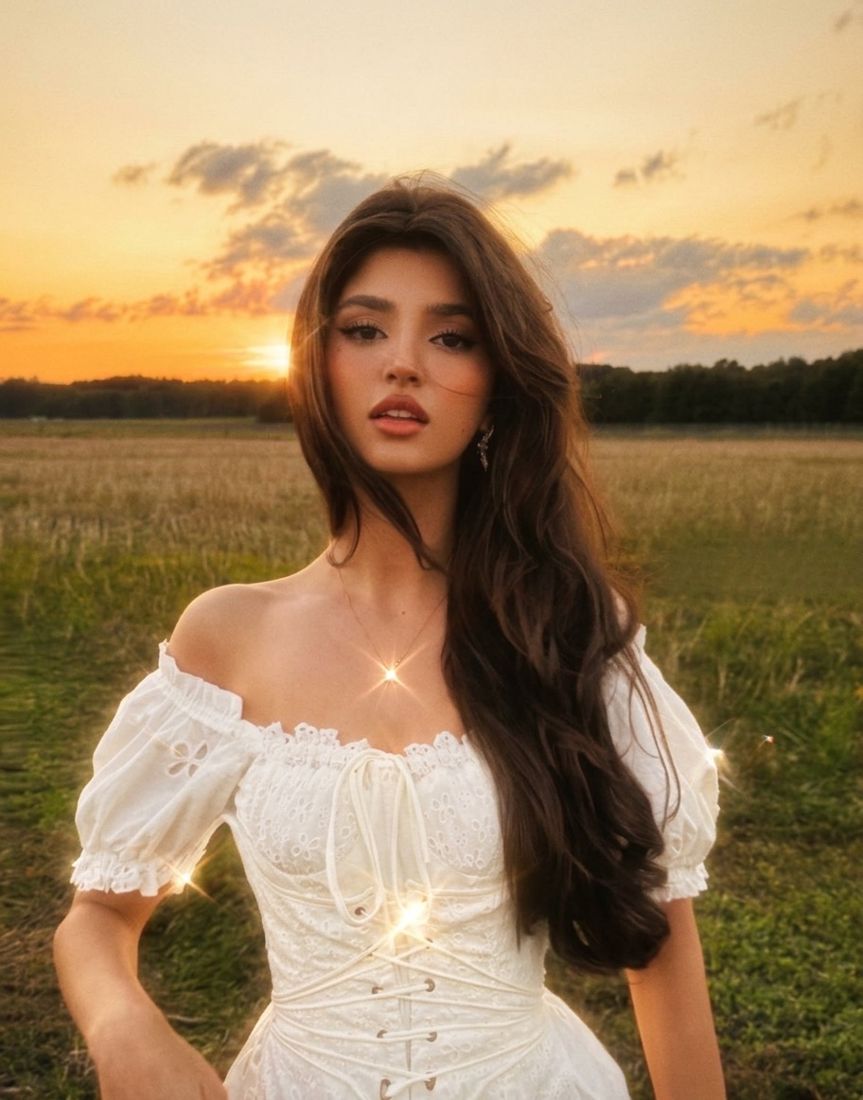
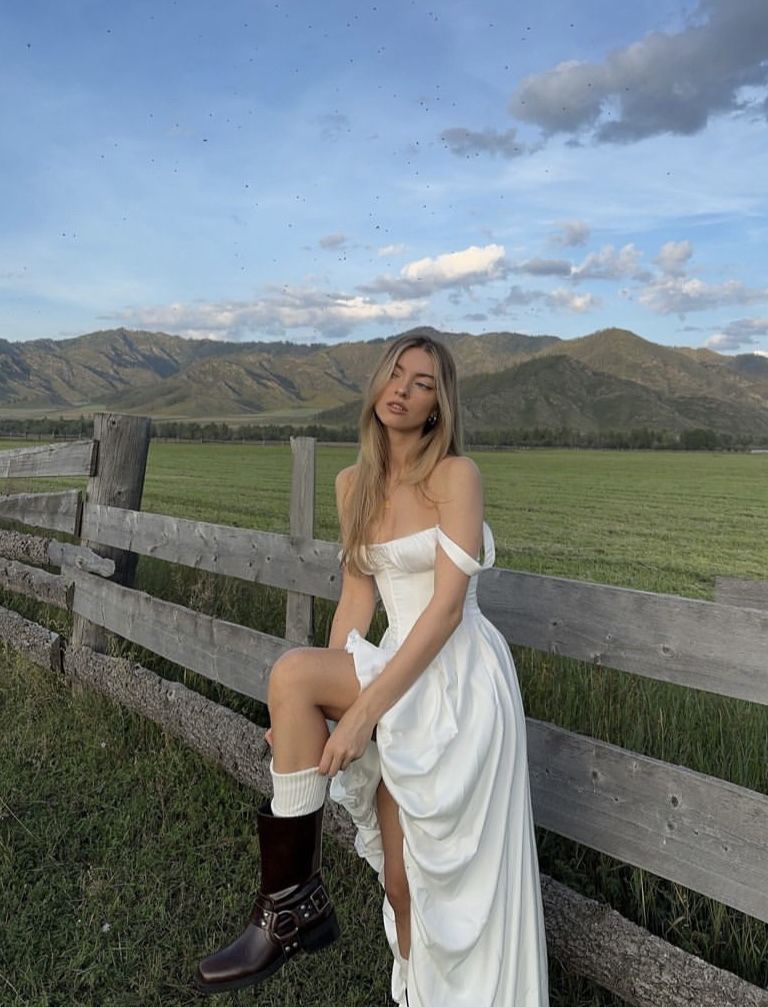
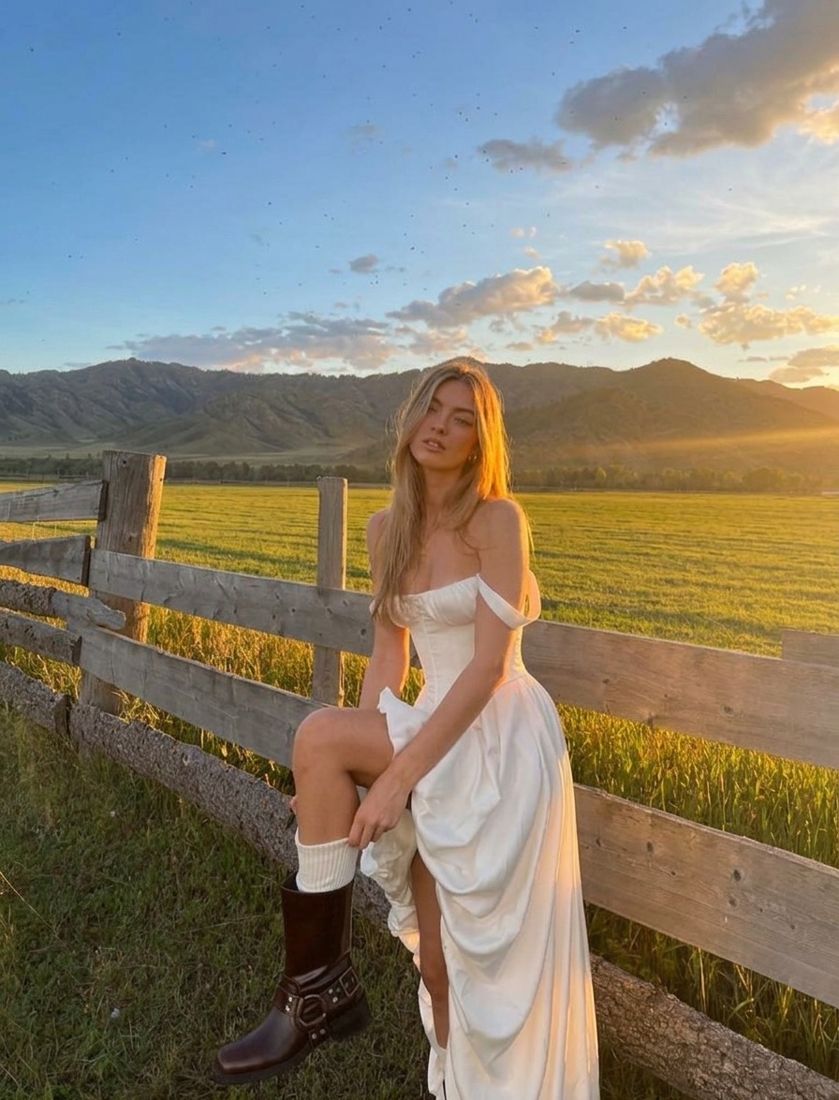
Same you.
A different feeling.
Some days call for golden light.
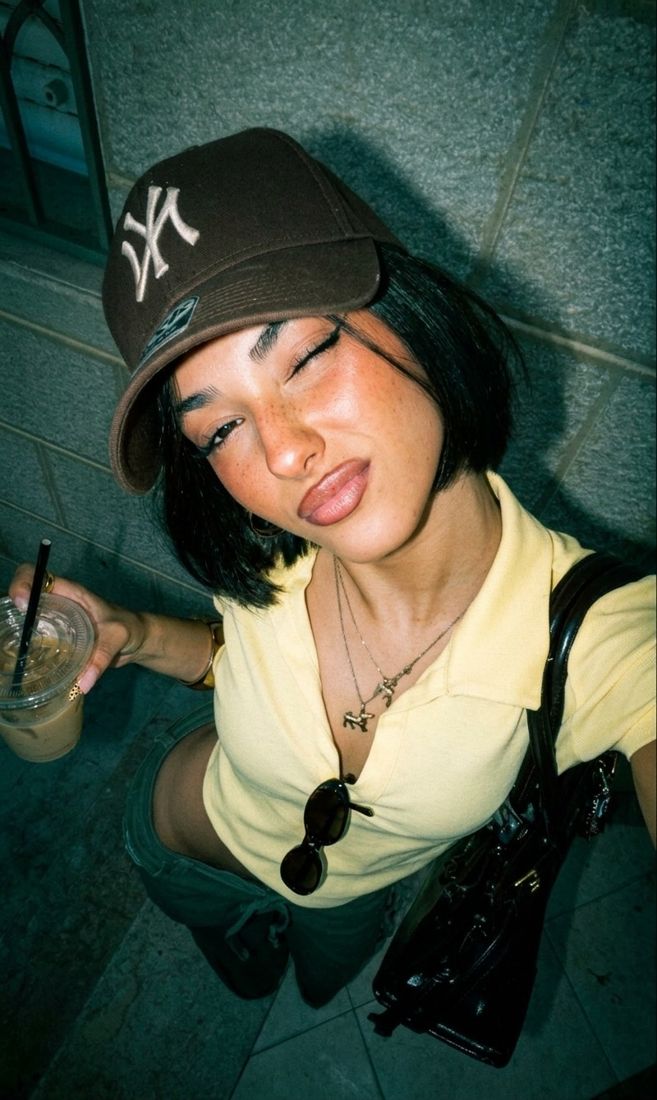
Others need a little flash.
Follow the feeling.
Stay a little longer.
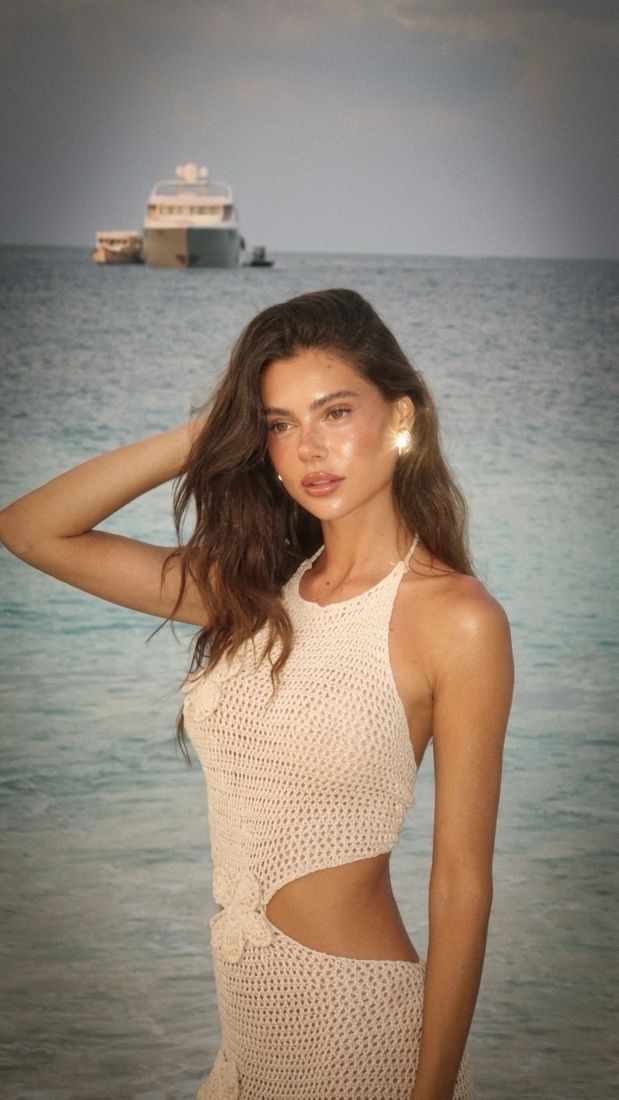
That last light of the afternoon. Warm tones, soft edges, and the feeling that there’s nowhere else to be.
Make it your mood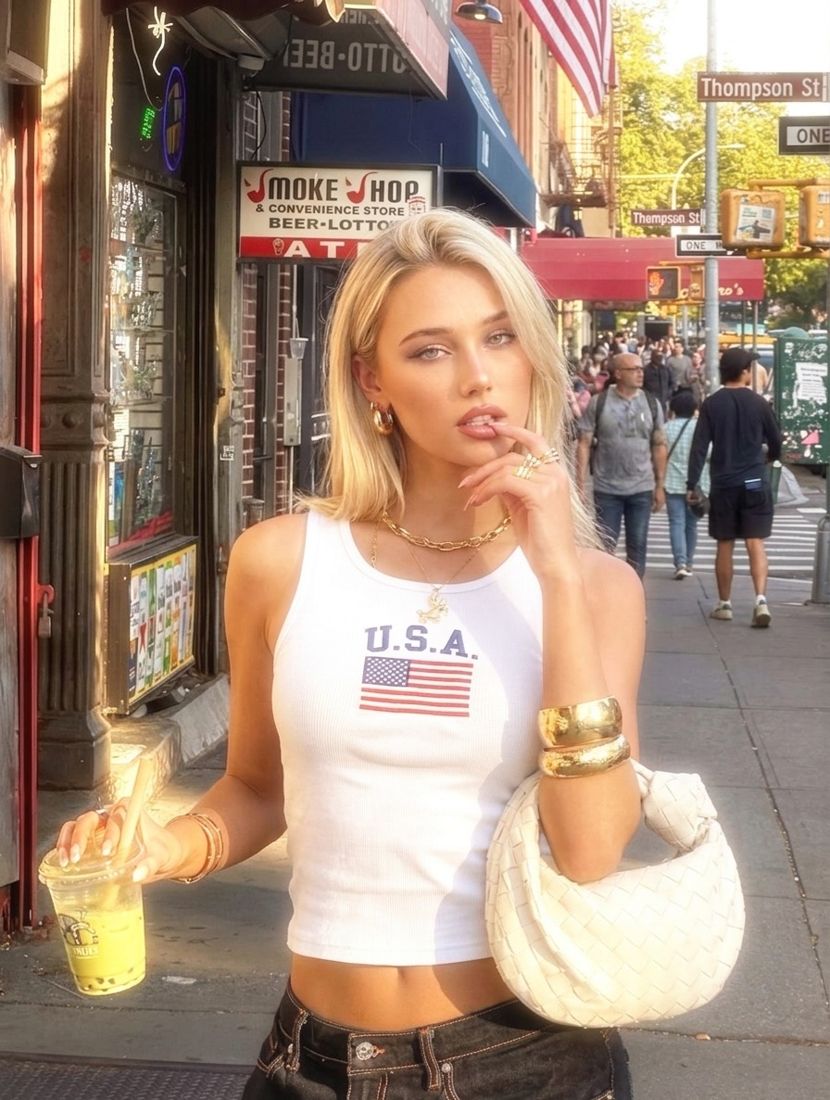
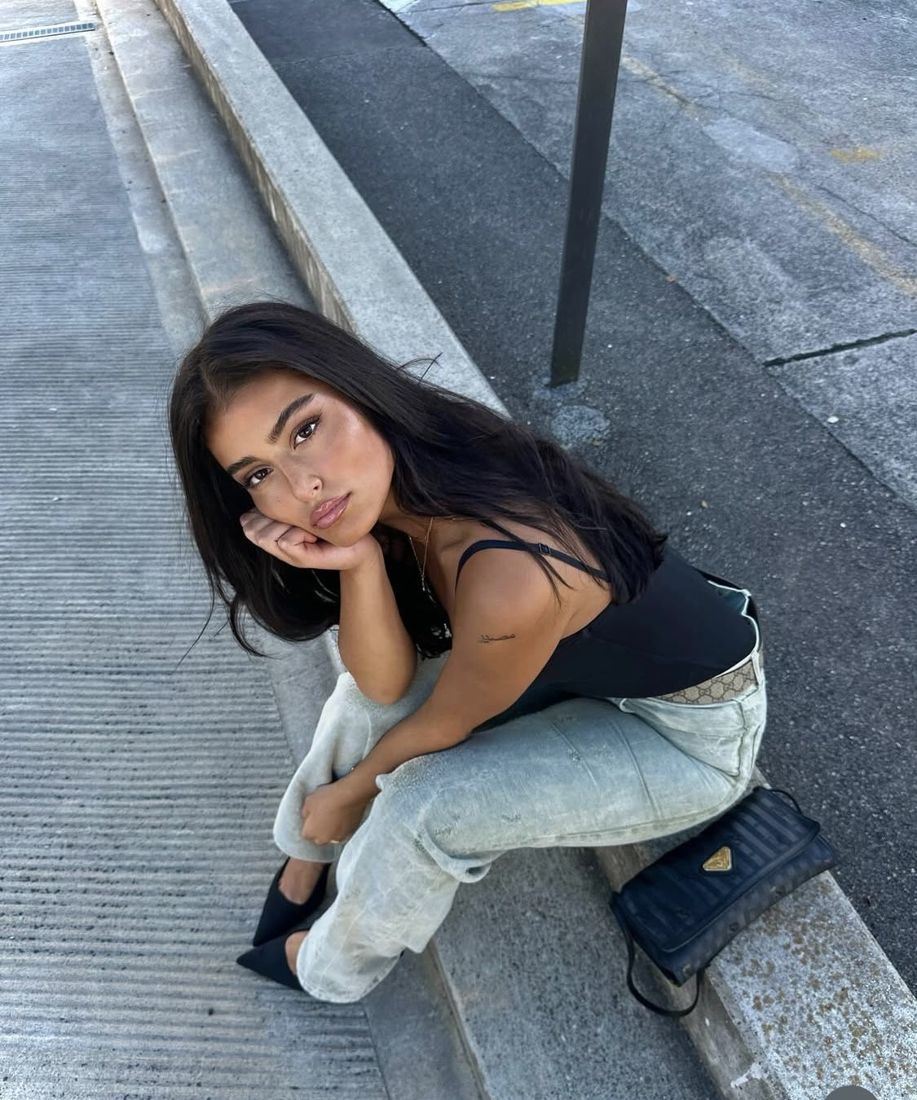
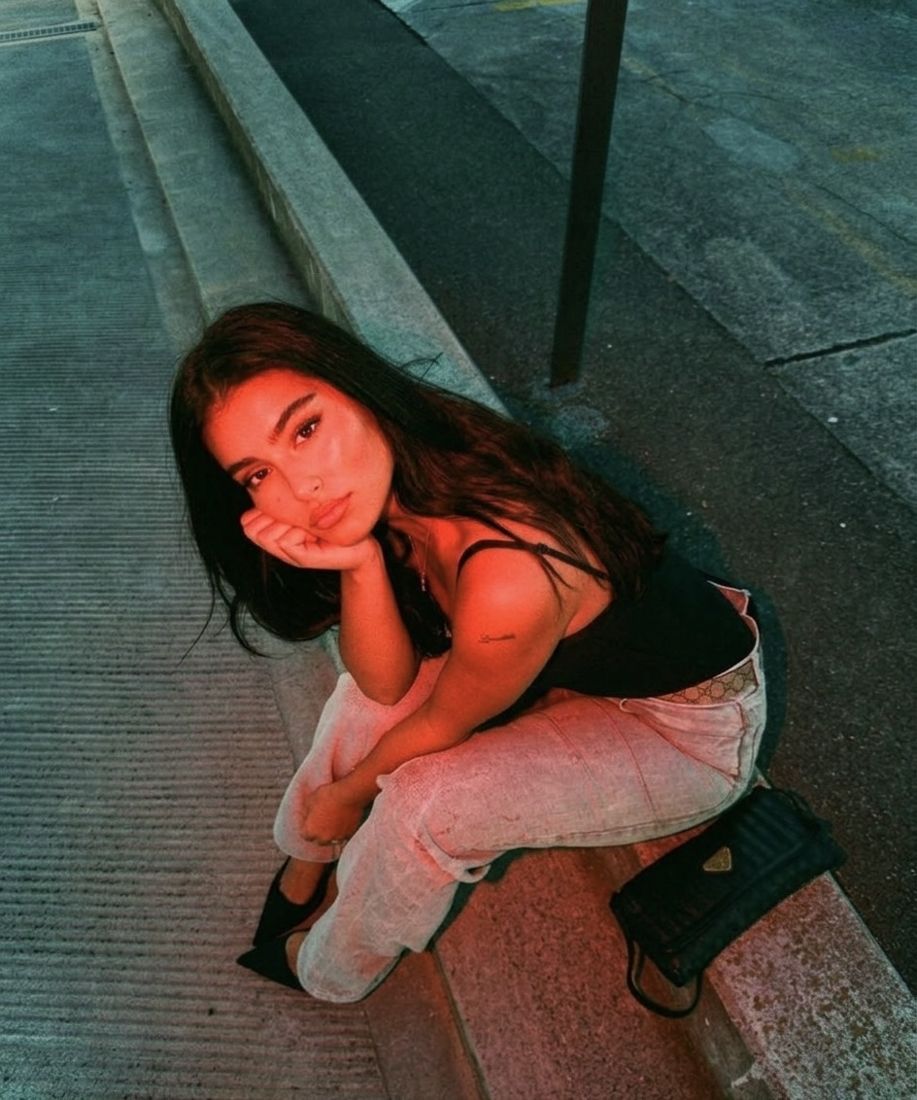
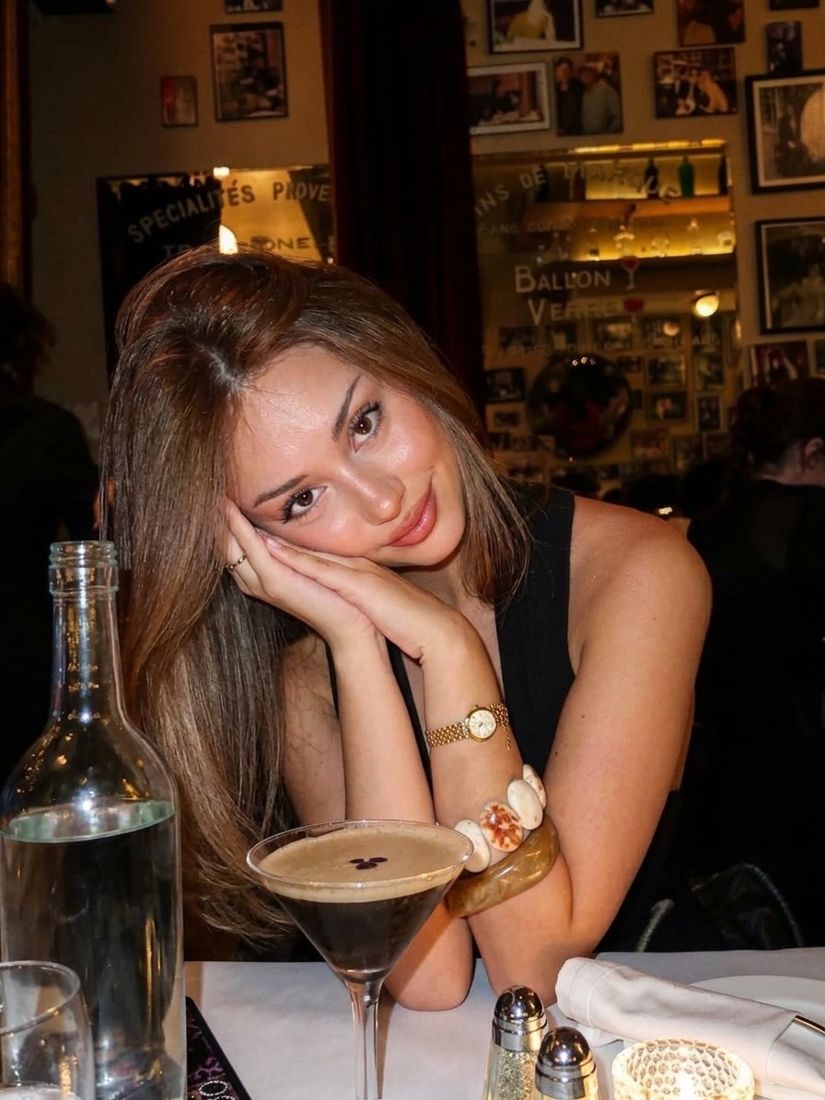
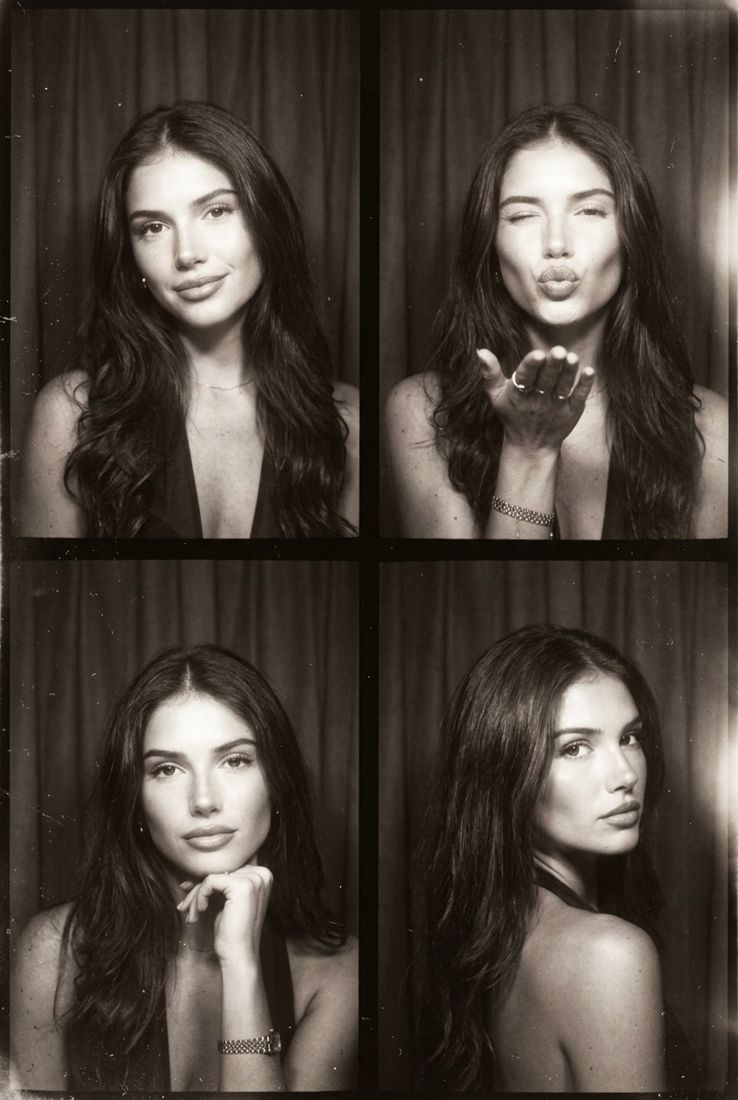
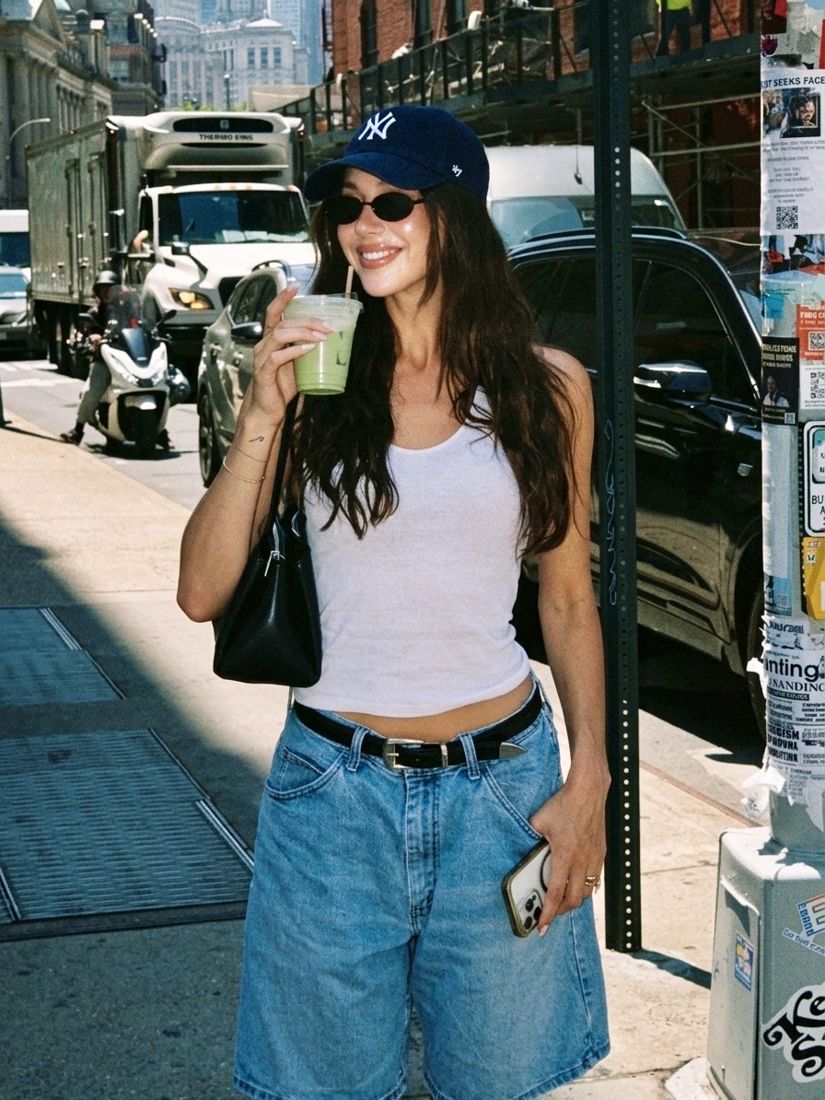
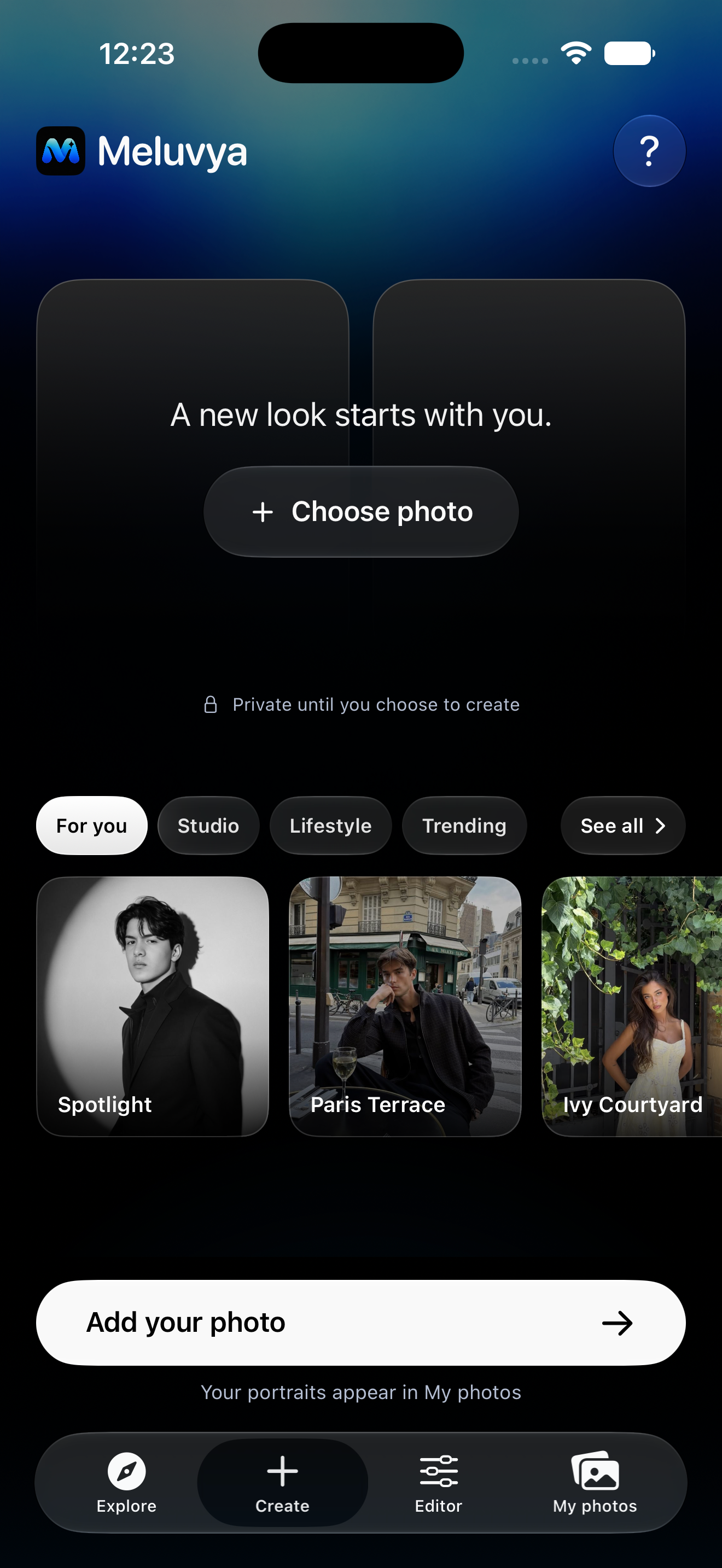
A whole studio.
Already in your pocket.
A little inspiration goes a long way.
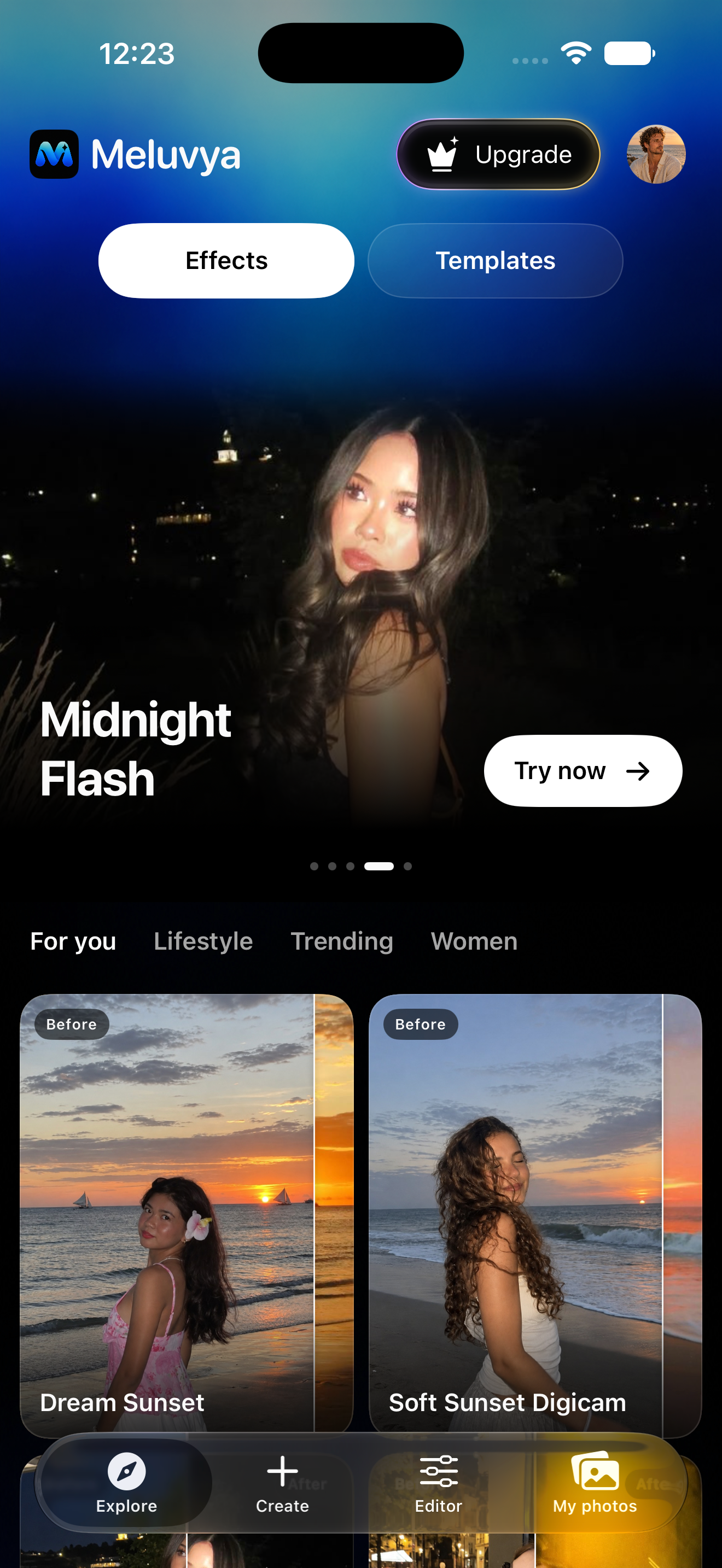
Browse effects for a change of light and mood, or discover portrait templates that take you somewhere new.
Find a look
A flash of inspiration, a new scene, a different light.
Make it yours
Create with your photo. Refine a favorite in the Editor.
Keep the favorites
Find your portraits in My photos, ready to save or share.
A few things
you might wonder.
A little clarity before you make something new.
How do I create a new look?
Explore the effects and portrait templates, pick a look you like, and add your photo. When you’re ready, choose Create to make it yours.
Can I use a photo from my camera roll?
Yes. Choose a photo already on your phone, then pair it with a look from the gallery.
What’s the difference between effects and templates?
Effects give your photo a different light and mood. Portrait templates offer a new scene or setting to explore.
Can I edit my photos too?
Yes. Open the Editor to work on your photo with Meluvya’s built-in editing tools.
Where can I find my results?
Your generated portraits appear in My photos, where you can find your creations and save or share your favorites.
What happens when I choose Create?
Choosing a photo doesn’t upload it. Create sends it to Meluvya and Google Gemini to generate your look. The source photo is deleted after processing.
 Meluvya
Take your imagination with you.